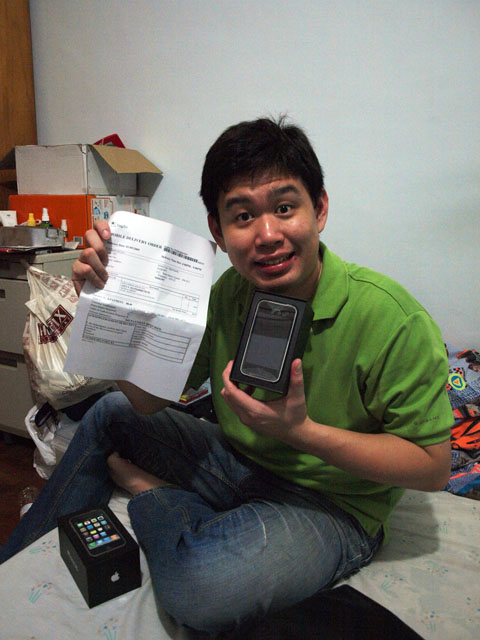
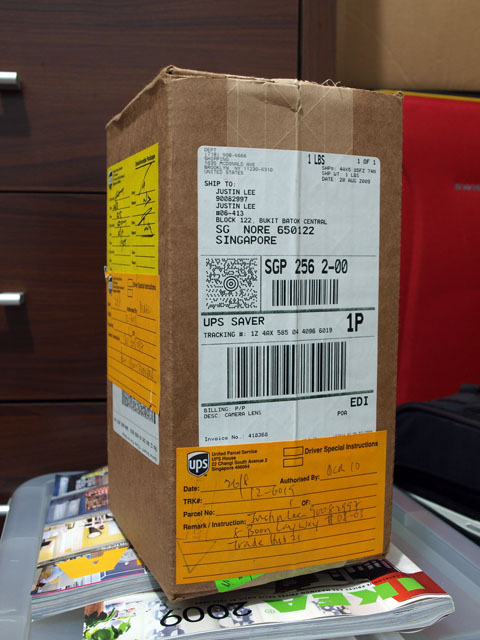
Look what the postman brought over the weekend in a very nicely wrapped package. No tapes, just ropes. Neat!

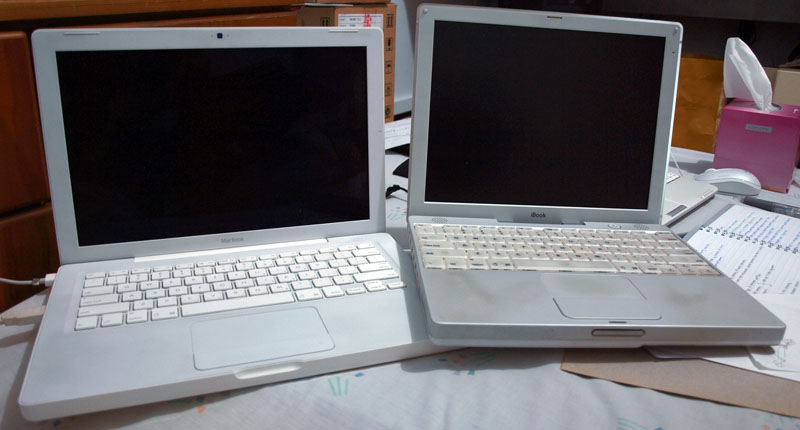
The battery on my MacBook is dying so I decided to just take it apart. You know, nothing stops my curiosity. I love taking things apart ever since young, though I wasn’t able to put most of them back together… last time. Hopefully, some things improved.
Of course, I’ve paid for my curiosity with nasty shocks – just last week, I got a nasty zap from a flash capacitor inside my Canon Powershot A70. I got so pissed I just shorted the capacitor to get rid of the current in it. Some months ago, I got super freakin’ zapped by the household 240V AC current while taking apart a Sun PSU. The house tripped.
Actually, this MacBook belongs to my sis, but she hated it so much so I swapped my laptop with hers, so technically, I’m taking apart her battery.
Anyway, here’s the takeapart journey. Small torx screwdrivers are needed to remove all ten screws on both sides of the battery.

Due to the recent APCN2 undersea cable outage, I read quite a bit of complaints from subscribers and thought I should write a little educational entry on how the Internet works.
What are you really paying for?
When you buy a connection to your ISP, you are merely buying the link from your home/office to your ISP. Theoretically speaking, ADSL users should have the first advantage over Cable Modem users as the Cable Modem sits on a shared topology.
The ugly truth about the bandwidth test.
However, this isn’t much of a concern as your nearby POP (Point of Presence) would usually have enough bandwidth to take care of this so subscribers always get near maximum bandwidth up to this point; StarHub users should be familiar with the annoying Bandwidth Test that always seem to report excellent bandwidth. If it doesn’t, your physical line might be faulty.
Going international.
Beyond that, it gets a little more complicated. Data from a subscriber travel through some tens of kilometers of fiber optic cables, then to some routers and switches within your ISP. When it reaches the border – the part of the ISP that connects to the “outside world” (other ISPs, known as peers), the data goes in all directions, e.g. if the subscriber requests a site in China, it might go through Hong Kong, then to China.
Well, that’s for data heading out. It’s a different story when the data returns from China.
Looks like Taiwan Typhoons are leaving us stranded with choppy Internet access for now. It’s already pretty bad at the moment, I wonder what would happen tonight. We’re getting all strapped up and ready… to be called up. !@#
Update: I’m still at work. Doesn’t look too good. New caches are already in and some new links are coming up. Let’s hope it improves by tomorrow evening.
More update: Looks like STIX has restored majority of bandwidth via other providers but the undersea cables are yet to be fixed.
It seems 3Com has silently vanished from the desktop networking scene. I had a flashback into the past as I dug out some old 10/100 3Com NICs. I wanted to install them into my server so I could test out a virtual router but couldn’t find Windows 2008 drivers for them at all.

In the end, I installed an Intel NIC and it worked perfectly off default drivers found in Windows 2008.
3Com made pretty decent hardware back in the late 90s – I still have some SuperStack switches and an OfficeConnect hub lying around. These stuff seem to work forever.
I was quite surprised because 3Com used to be the choice for desktop networking until sometime in 2000 when things started to change – they exited the enterprise market and focused on the then-popular Palm brand. On July 31st 2000, 3Com’s share fell sharply after it spun off Palm. Later that year, their Chief Executive quit.
In 2003, 3Com went into a joint venture with Huawei, now known as H3C.
Oddly after checking 3Com’s website, they are back in the enterprise market again, but things will never be the same.
Earlier this evening, the air-con guy called me up and asked to meet up at my new house to discuss how we would love run the array of ugly thick gas pipes around the house. Since the electrical wirings are out, there’s no light in the house and we needed one.
I keep an old Li-Po (Lithium Polymer) battery from my RC heli in the back of my car so I could use it with a 12V flourescent tube whenever the occassion requires. I’ve been using it for quite some time already and never had to recharge the 12V pack for almost a year.
I brought the battery and flourescent light along to meet the air-con guy. We kept talking until the lights went out and drained the battery well beyond its safe minimum capacity and it puffed like a pillow.