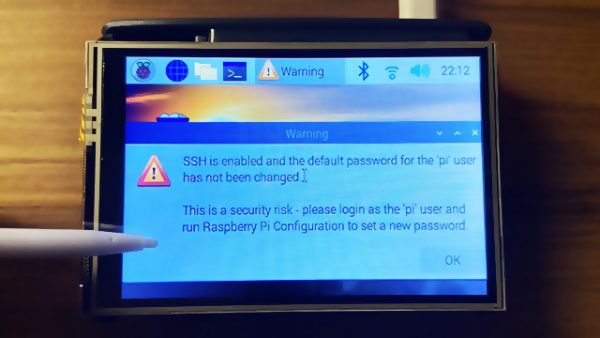
I got a really cute 3.5″ TFT display for my RPi from Cytron which has an ADS7846 touchscreen controller.
After installing the drivers (by following the instructions here), I realised that the X/Y axes of the touchscreen were flipped.
It took me a while to figure this out, so I’m writing a blog entry as a documentation.
SSH has been disabled by default on a fresh RPi OS installation. To use the RPi in headless mode with SSH enabled, create an empty file in /boot/ssh. This can be done via another computer, e.g. on my Mac:
touch /Volumes/boot/sshAfter the RPi boots, connect it to a LAN cable, SSH to it (find its IP address via DHCP server leases table) and then run raspi-config to do some initial configuration.
raspi-configNow install the LCD drivers.
To rotate the display so that the HDMI ports are on top. Edit /boot/config.txt:
dtoverlay=tft35a:rotate=270Next, the touchscreen input will also have to be rotated accordingly. Edit /etc/X11/xorg.conf.d/99-calibration.conf:
Section "InputClass"
  Identifier "calibration"
  MatchProduct "ADS7846 Touchscreen"
  Driver "evdev" # Force the evdev driver
  Option "Calibration" "3936 227 268 3880" # Default values
  Option "SwapAxes" "1" # Required for landscape orientation
  Option "InvertX" "true" # Required for rotate=270
  Option "InvertY" "true" # Required for rotate=270
EndSection